Screenshots
Overview
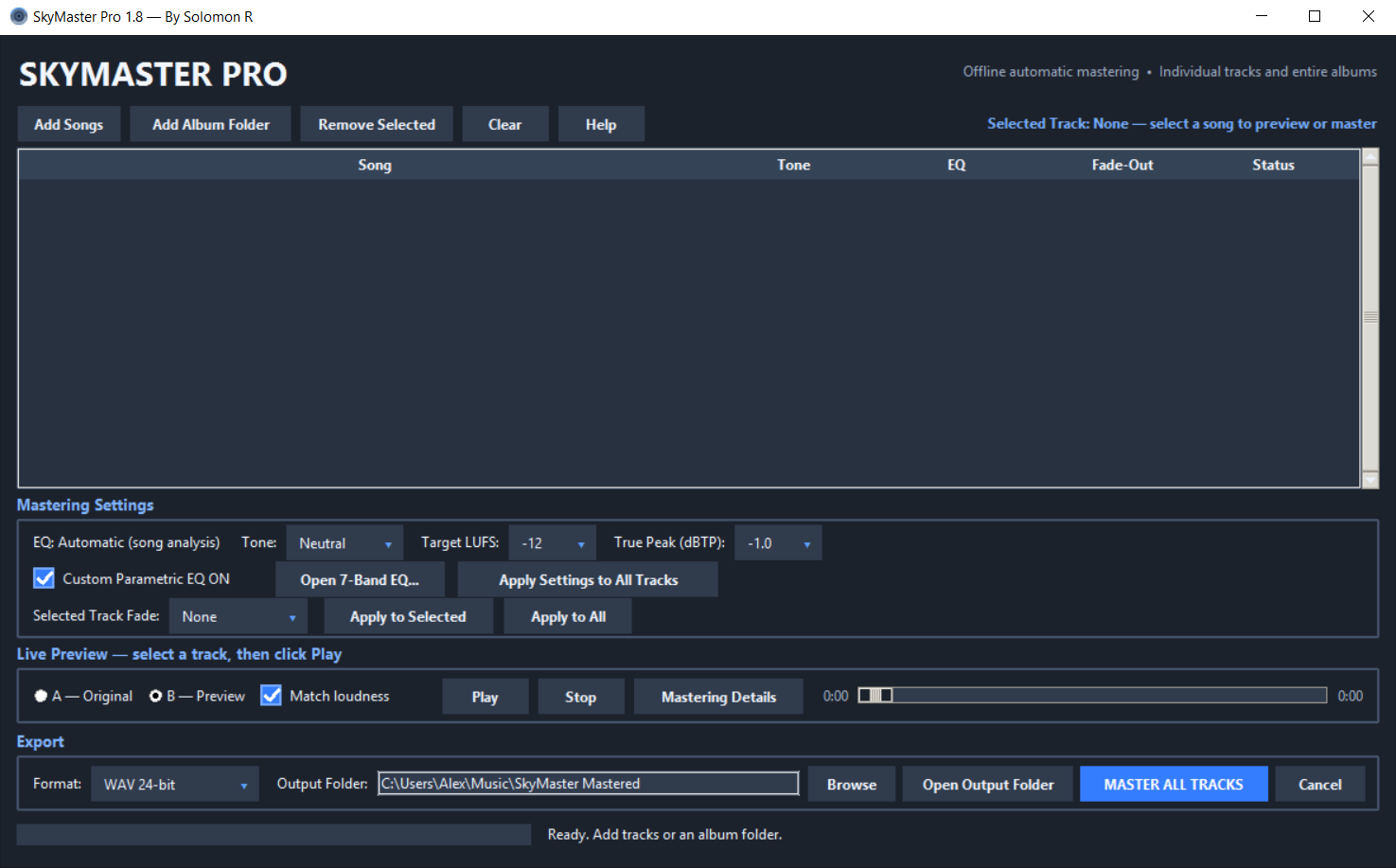
Master your music faster with professional audio tools, right on your Windows PC. SkyMaster Pro is an offline automatic audio mastering application for musicians, producers, independent artists, and creators. Load your tracks, choose your preferred sound, listen to the original and processed previews, and export finished audio for your next release.
No subscription, online account, or activation key is required. One purchase licenses installation and use on one computer, subject to the End User License Agreement.
Features
- Automatic audio mastering: Process songs with built-in dynamics, tonal balancing, and loudness control.
- Adjustable loudness target: Choose your target LUFS to suit your material.
- True-peak control: Adjustable peak ceiling for more controlled output.
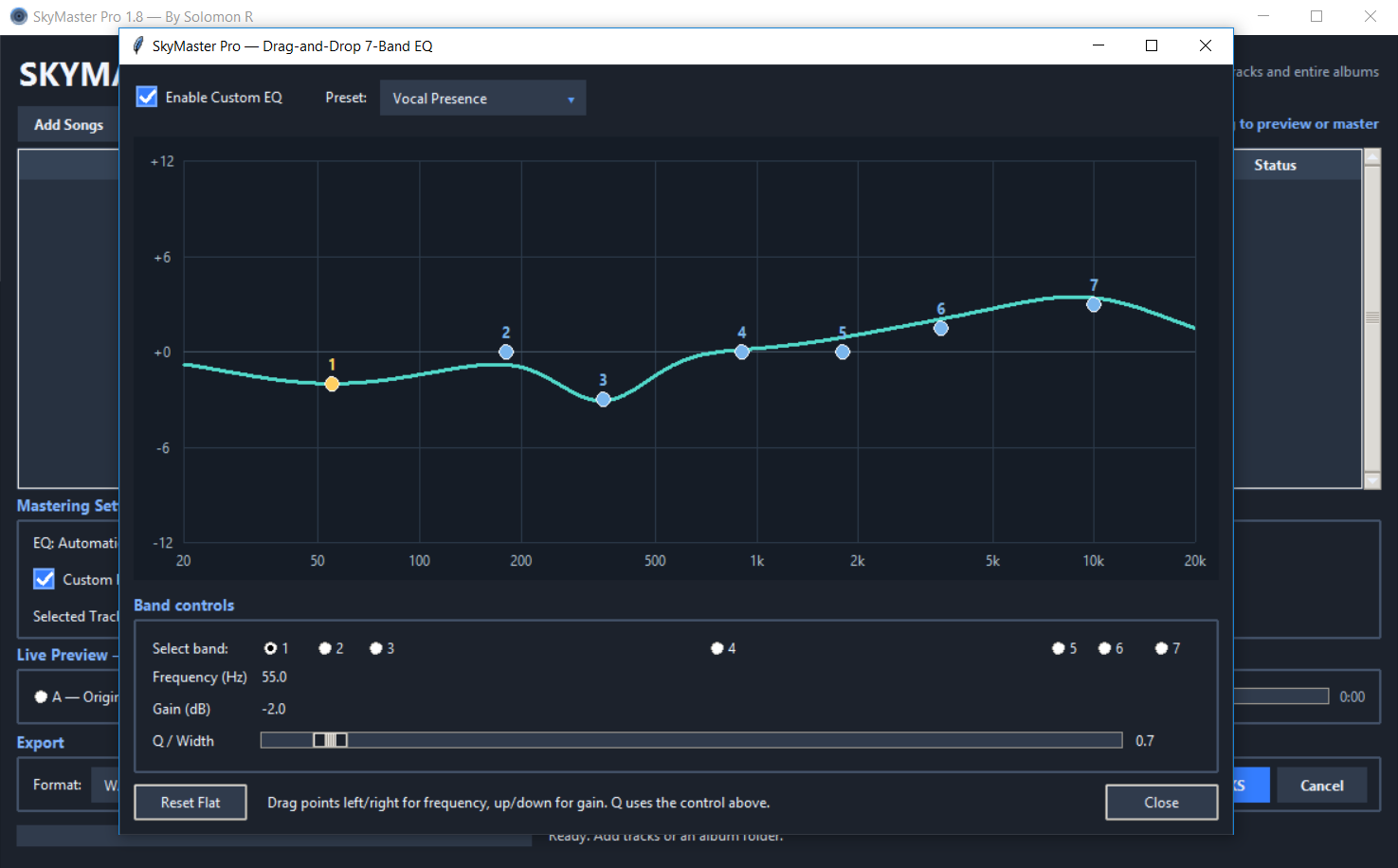
- Seven-band custom EQ: Shape your sound with draggable EQ controls.
- Tone profiles: Choose from Flat, Vocal Presence, Warm & Full, Bright & Clear, and Bass Boost.
- A/B audio preview: Compare your original track with a processed preview before exporting.
- Preview loudness matching: Compare sound character more fairly when enabled.
- Fade controls: Apply fade settings to your mastered track.
- Batch mastering: Process multiple songs in one session with per-track settings.
- Audio export: Export WAV (24-bit or 16-bit) and MP3 (320 kbps).
- Mastering information: Review loudness and peak measurements.
- Offline Windows software: No monthly fees, account sign-in, or activation key.
Requirements
- Windows PC capable of running standard desktop applications.
- Windows 10/11 64-bit, 4 GB RAM minimum, and 8 GB recommended. 361 megs of disk space.
- Audio output device (headphones or speakers) for listening to previews.
- No separate Python or FFmpeg installation required when using the customer Windows installer.
- Internet access is not required for mastering after installation.
Platform: Windows desktop. This is not a browser-based mastering service.
Instructions
- Purchase SkyMaster Pro and download the customer Windows installer through the provided delivery process.
- Run the installer on your Windows PC and follow the setup instructions.
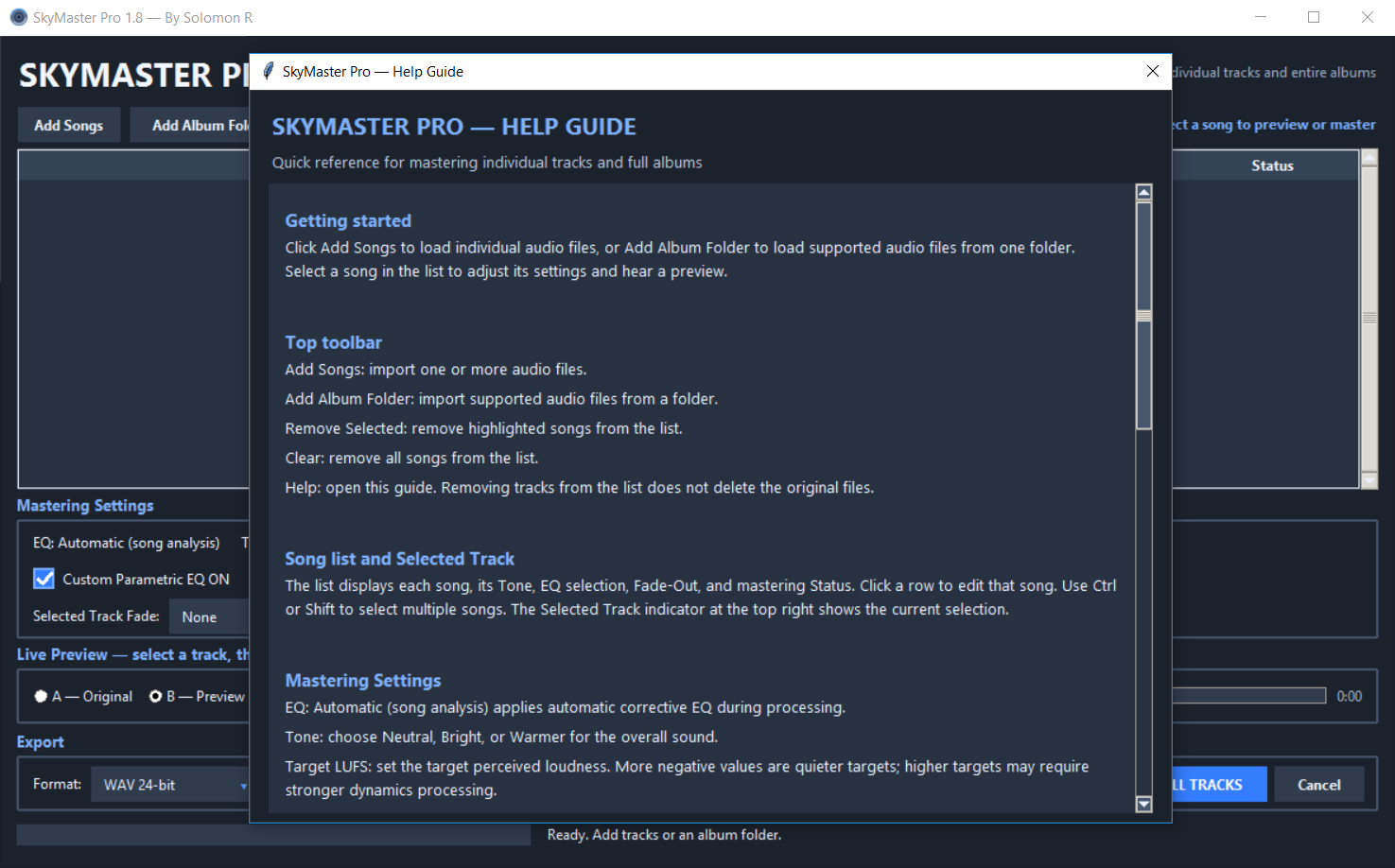
- Open SkyMaster Pro and add the audio track or tracks you want to master.
- Choose a tone profile and adjust the target loudness, EQ, and fade settings if desired.
- Use the A/B preview to compare your original recording with the processed sound.
- Choose your export format and destination, then start mastering.
- Listen to the completed file before publishing or distributing your music.
Software license: Read the SkyMaster Pro End User License Agreement (PDF)